


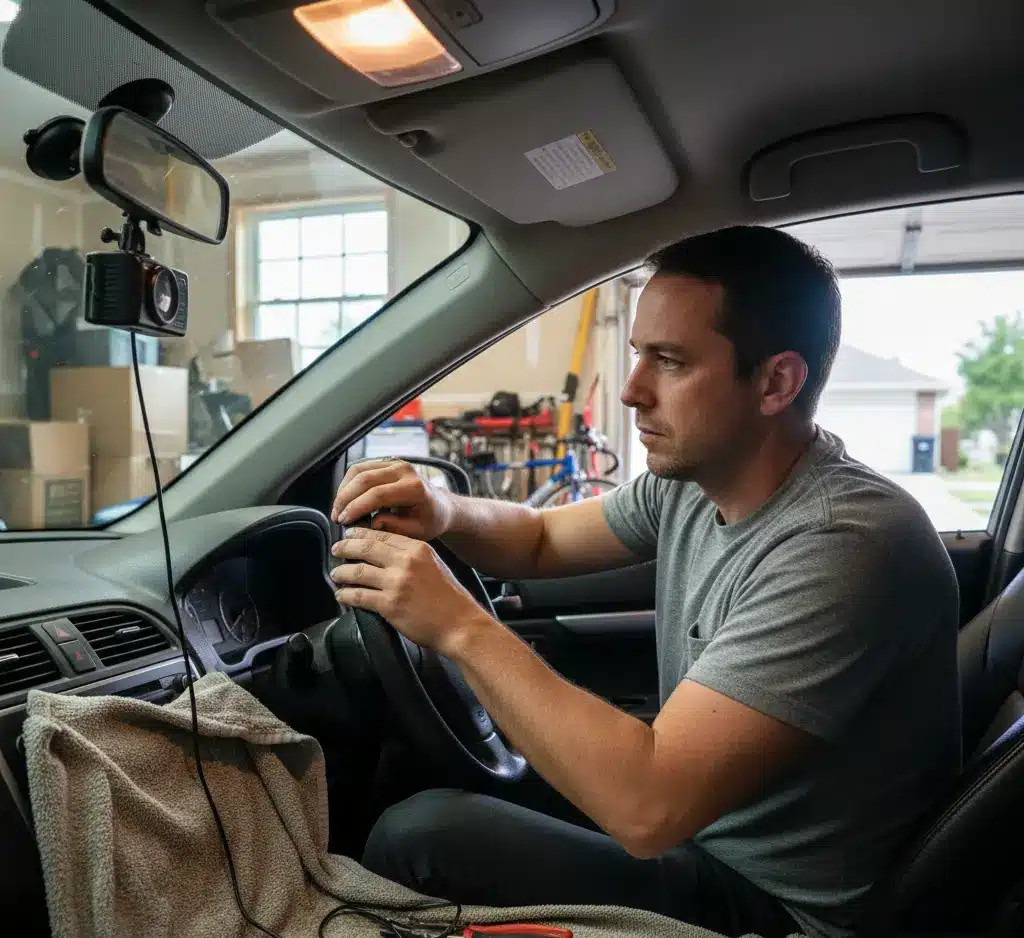
Installing a dash cam yourself is a straightforward weekend project that typically takes 30–60 minutes. You can choose between two main methods: the Plug-and-Play method (easiest, using the cigarette lighter) or the Hardwire method (cleanest, enabling parking mode).
What You Need
- Dash cam + power cable
- Trim removal tool
- MicroSD card
- 12V fuse tap (optional for hardwiring)
- Zip ties or cable clips
Method 1: The Easy Way (Cigarette Lighter / USB Plug-In)
Best for beginners. No electrical work, no risk.
Step 1: Mount the Camera
- Peel the adhesive tape (or use the suction cup).
- Press the mount onto the windshield for 30 seconds to secure it.
- Place it behind the rear-view mirror so it doesn’t block your view.
Step 2: Test the Power
- Plug the dash cam cable into the camera.
- Plug the other end into your car’s 12V power outlet or USB port.
- Make sure the dash cam turns on; this confirms everything works.
Step 3: Hide the Wires (The Easy “Tuck” Method)
A. Headliner (Roof Area)
- Push the cable into the small gap between the windshield and the roof liner.
- It will stay in place just by friction.
B. A-Pillar Area (Side of the Windshield)
- Run the wire down the passenger side.
- Use a trim tool to gently lift the A-pillar cover and tuck the cable inside.
- Keep the wire away from the airbag path inside the A-pillar.
C. Door Frame
- Pull the rubber weather seal slightly outward.
- Push the wire inside the gap.
- Press the rubber seal back into place.
D. Under the Dashboard
- Run the wire under the glove box toward the center console.
- Use zip ties or adhesive clips to keep it neat and secure.
Step 4: Final Plug-In
- Plug the cable into the cigarette lighter or USB port.
- The camera will now turn on every time you start the car.
Method 2: The Pro Way (Hardwiring for a Clean Look + Parking Mode)
Best for people who want hidden wires and 24/7 recording.
Step 1: Find the Fuse Box
- Most cars have it under the steering wheel or behind the glove box.
- Check your car’s manual to confirm the exact location.
Step 2: Identify the Right Fuses
You need two power sources:
1. ACC Fuse (Accessory Power)
- Turns on only when the car is ON.
- Good examples: Radio, Cigarette lighter.
2. Constant/Battery Fuse
- Always ON, even when the car is OFF.
- Good examples: Interior lights, Horn.
❗ Avoid these:
- Airbag fuse
- ABS fuse
- ECU or any critical system fuse
Step 3: Connect the Fuse Taps
Your hardwire kit has 3 wires: Red, Yellow, Black (colors may vary).
A. ACC Connection (Red Wire)
- Crimp the red wire to a fuse tap.
- Insert the fuse tap into the ACC fuse slot.
B. Constant Power (Yellow Wire)
- Crimp the yellow wire to the second fuse tap.
- Insert it into the Constant/Battery fuse slot.
Always check your kit’s manual for color differences.
Step 4: Ground the Black Wire
- Find an unpainted metal bolt near the fuse box.
- Loosen it.
- Slide the black wire’s metal fork underneath.
- Tighten the bolt again.
This completes the circuit.
Step 5: Test the Setup
Adjust camera angle and settings.
Turn the car ON — the dash cam should start.
Turn the car OFF — the dash cam should switch to Parking Mode.


