


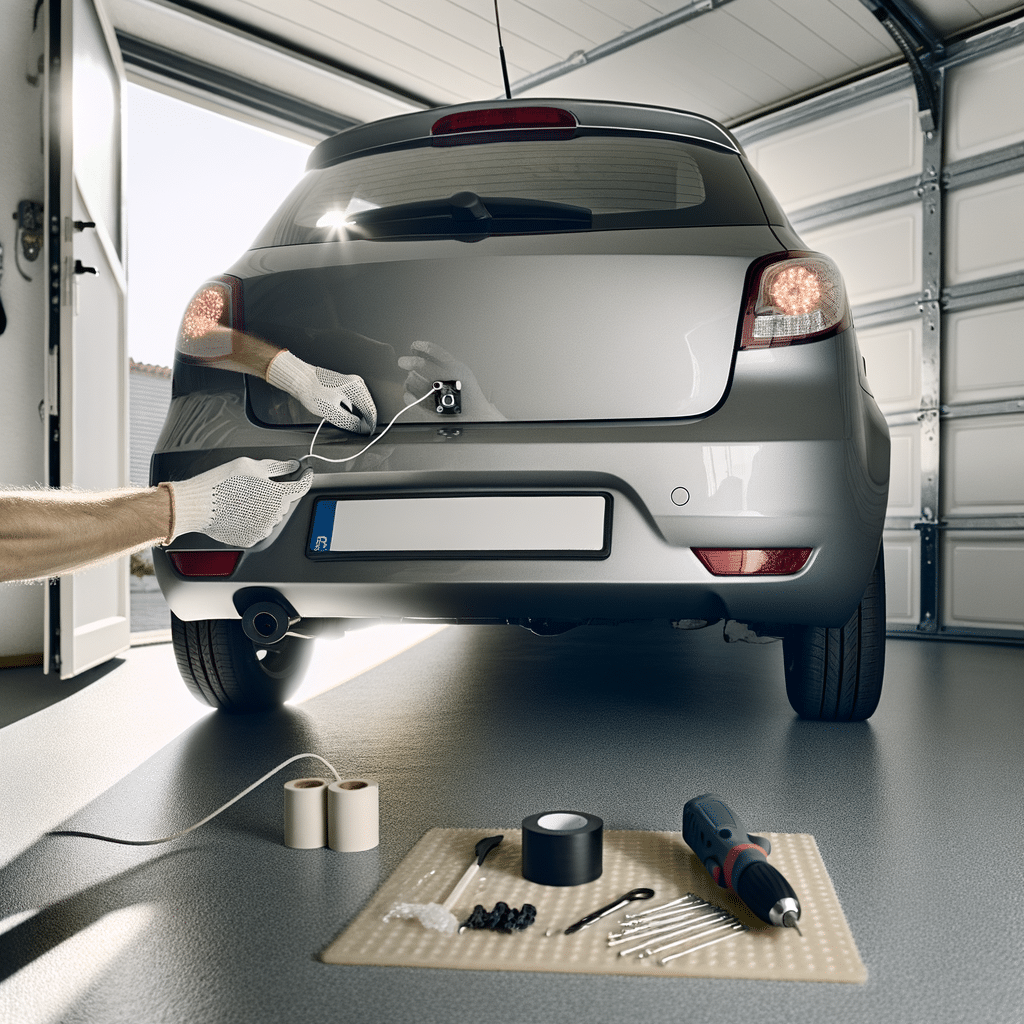
A backup camera is one of the best DIY upgrades for daily driving. It helps with tight parking spots, low curbs, and small kids or pets behind the car. The good news is most kits are made for beginners. If you can remove a few trim panels and run a wire neatly, you can do this at home.
This guide covers a simple, wired backup camera install. Wired systems take more time than wireless, but they are usually more stable and less glitchy.
Tools and items needed
- Backup camera kit (camera + video cable + power wire + monitor or head unit input)
- Trim removal tool set (plastic pry tools)
- Phillips and flat screwdrivers
- 10mm socket and ratchet (common for interior panels)
- Wire stripper and crimper or soldering iron (optional but nice)
- Heat shrink or electrical tape
- Add-a-fuse tap (only if you are hardwiring to the fuse box)
- Zip ties
- Multimeter or test light
- Drill and step bit (only if you must drill for the camera)
- Rubber grommet or silicone (if you make a new hole)
Nice to have
- Fish tape or a stiff wire coat hanger (to pull cables through tight spots)
- Small flashlight
- Microfiber towel to protect trim
Safety and legal notes
- Park on level ground. Set the parking brake.
- Disconnect the negative battery terminal before tapping power wires.
- Do not route wires near pedals, steering parts, or seat tracks.
- Some areas have rules about screens in the driver’s view. A monitor should switch on only in reverse.
- If your car is under warranty, cutting factory wires can cause issues. Use non-invasive taps when possible.
Step-by-step DIY backup camera install (for beginners)
1) Pick the camera location
Most cameras mount:
- Above the license plate
- In a license plate frame
- In the trunk handle (vehicle-specific kits)
For a first-time DIY, a license plate frame camera is the simplest. It avoids drilling and it is easy to align.
2) Pick the screen setup
You have a few common options:
- Mirror monitor that clips over your rearview mirror
- Dash-mounted screen
- Aftermarket head unit with a camera input
If you already installed a dash cam, this job will feel similar when it comes to hiding wires. If you have not done that before, this beginner-friendly dash cam setup shows the same style of trim work and cable routing.
3) Mount the camera
Clean the mounting area. Fit the camera and tighten the screws. Aim it roughly straight back. Do not fully lock in the angle yet. You will fine-tune it later.
If you must drill, drill slowly and protect the paint. Add a rubber grommet and seal around it so water does not enter the trunk.
4) Access the reverse light wiring
Most DIY kits power the camera from the reverse light. That makes the camera turn on only when you shift into reverse. To reach the reverse light wires:
- Sedan: remove trunk liner panels near the tail light
- Hatch/SUV: remove the interior hatch panel and side trim near a tail light
Use plastic pry tools. Pull gently. Clips pop out with steady pressure.
5) Find the correct reverse wire
Turn the key to accessory mode and have a helper hold the brake. Use a multimeter:
- Probe the tail light connector wires
- Shift to reverse (engine off is fine)
- Find the wire that shows about 12V only in reverse
Mark it. This is your reverse positive wire. The ground is usually a black wire or a body ground point nearby.
6) Connect camera power
Connect the camera’s power wires:
- Camera red to reverse positive
- Camera black to ground
Crimp connectors work fine for beginners. If you solder, cover joints with heat shrink. After the connection, secure the wires so they cannot rattle or tug.
7) Run the video cable from the back to the front
This is the part that takes the most time. The goal is a hidden, protected route.
- Start in the trunk or hatch area. Plug the camera’s video lead into the long video cable.
- Route the cable along the factory wire loom when possible.
- Go under door sill trim panels. These usually pull up and snap back in.
- Keep the cable away from sharp metal edges. Add tape or split loom if needed.
- Keep the cable away from airbags. Do not run wires over airbag modules or yellow connectors.
If you like doing small interior upgrades, this is one of those simple car upgrades you can do with basic tools. The key is patience with trim clips.
8) Connect the screen or head unit
How you connect depends on your display:
- Mirror monitor or dash screen: Plug the video cable into the camera input on the monitor.
- Aftermarket head unit: Plug into the “Rear Camera In” RCA input.
Many kits also include a thin red “trigger” wire along the video cable. This wire tells the screen to switch to the camera view when you go into reverse.
9) Wire the reverse trigger at the front (if needed)
If your monitor or head unit needs a trigger input:
- At the rear, connect the trigger wire to the same reverse positive wire you used for camera power.
- At the front, connect the trigger wire to the monitor’s “Reverse” or “Back” input wire, or the head unit reverse input.
Some head units have a menu setting for camera type and trigger. If you also do other infotainment upgrades, installing Apple CarPlay yourself follows a similar idea: correct power, correct trigger, clean wiring.
10) Test before reassembling
Reconnect the battery. Turn the key on. Shift to reverse.
- The screen should switch to the camera
- The image should be clear
- Night mode LEDs (if your camera has them) should light in low light
If the image is upside down or mirrored, many cameras have a small loop wire you cut or connect to change the view. Check the kit manual.
11) Adjust the camera angle
Park on level ground. Adjust the camera so you can see:
- The bumper edge at the bottom of the screen (just a little)
- The area directly behind the car
Tighten the camera fully after you like the view.
12) Reinstall trim and secure wiring
Zip tie loose sections. Push trim panels back until they click. Check door seals are seated correctly.
Common mistakes beginners make
- Using the wrong tail light wire. Test for 12V in reverse only.
- Grounding to painted metal. Use a clean metal bolt or factory ground point.
- Routing wires near side curtain airbags.
- Not testing before putting all trim back on.
- Leaving slack at the hatch hinge area. Wires can pinch when the hatch closes.
- Aiming the camera too high. You lose the bumper reference and parking feels awkward.
Maintenance tips
- Clean the camera lens when you wash the car. Road grime will blur the image fast.
- If the picture flickers, check the ground connection first.
- If water gets into the trunk area near the camera wire pass-through, reseal the grommet.
- Once a year, check zip ties and cable routing near moving parts like the hatch hinge.
Is it worth it?
For most older cars, yes. A backup camera makes parking easier and helps you see low objects you may miss in mirrors. It is also a good first wiring project because it teaches clean routing, basic testing, and safe trim removal. If you plan other upgrades later, following a basic guide to modifying your car helps you choose the right order and avoid redo work.
Conclusion
A DIY backup camera install is very doable at home for beginners. Take your time with the reverse wire test, route the video cable the same way the factory runs wiring, and test everything before reassembling trim. Once it is in, you will use it every day, and you will feel more confident doing your next DIY project.


